What will you build?
Describe it once. Get a real website, app, or dashboard, ready to ship.


Meet Firevibe
Everything between your idea and a live product, in one place.


Everything your product needs. Already built in.
From web and mobile apps to complete software products, Firevibe builds the full stack, connects the services, and gets it live.
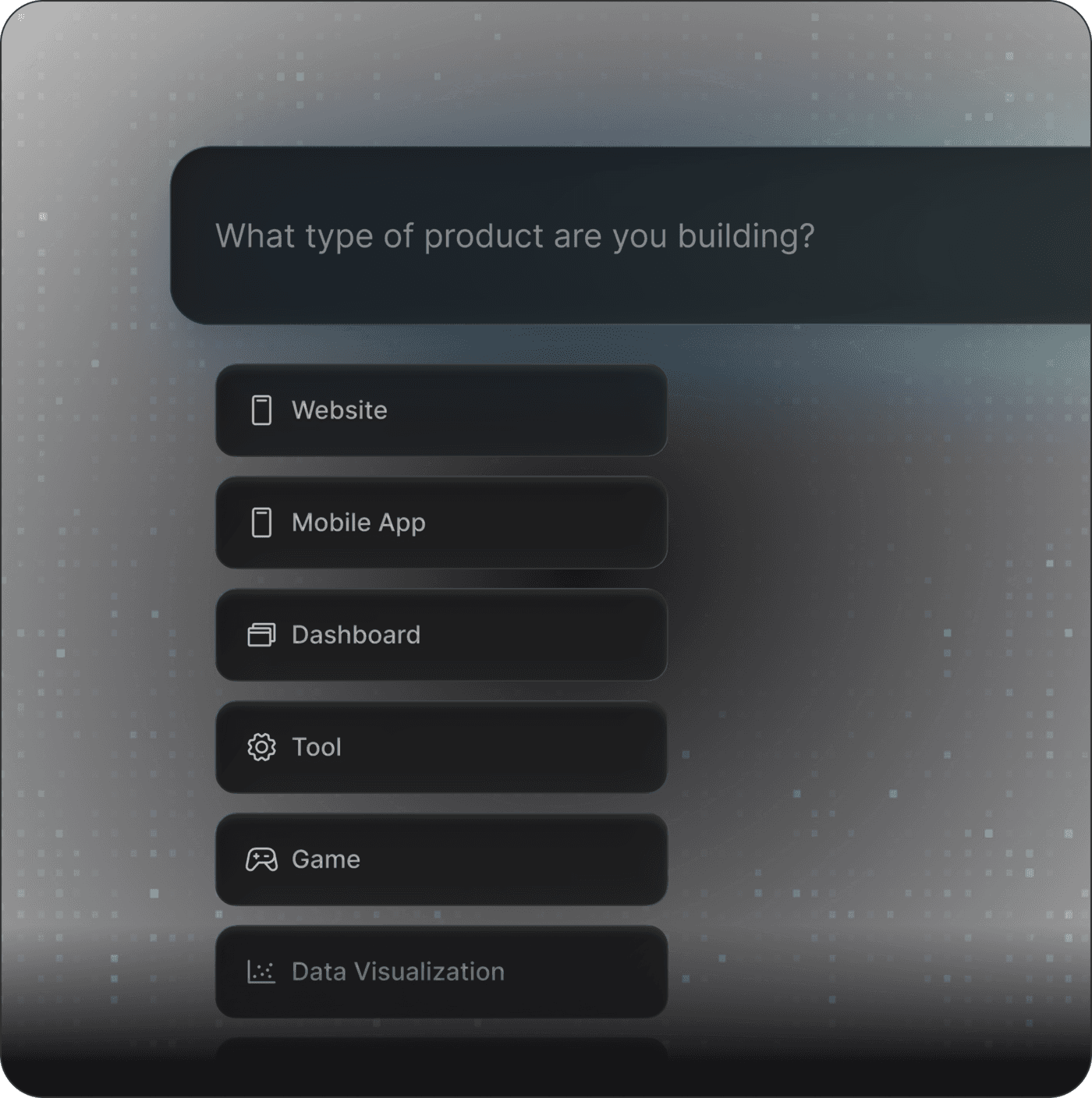
Any product, built
Build web apps, mobile apps, SaaS, internal tools, marketplaces, games and more from a single prompt.
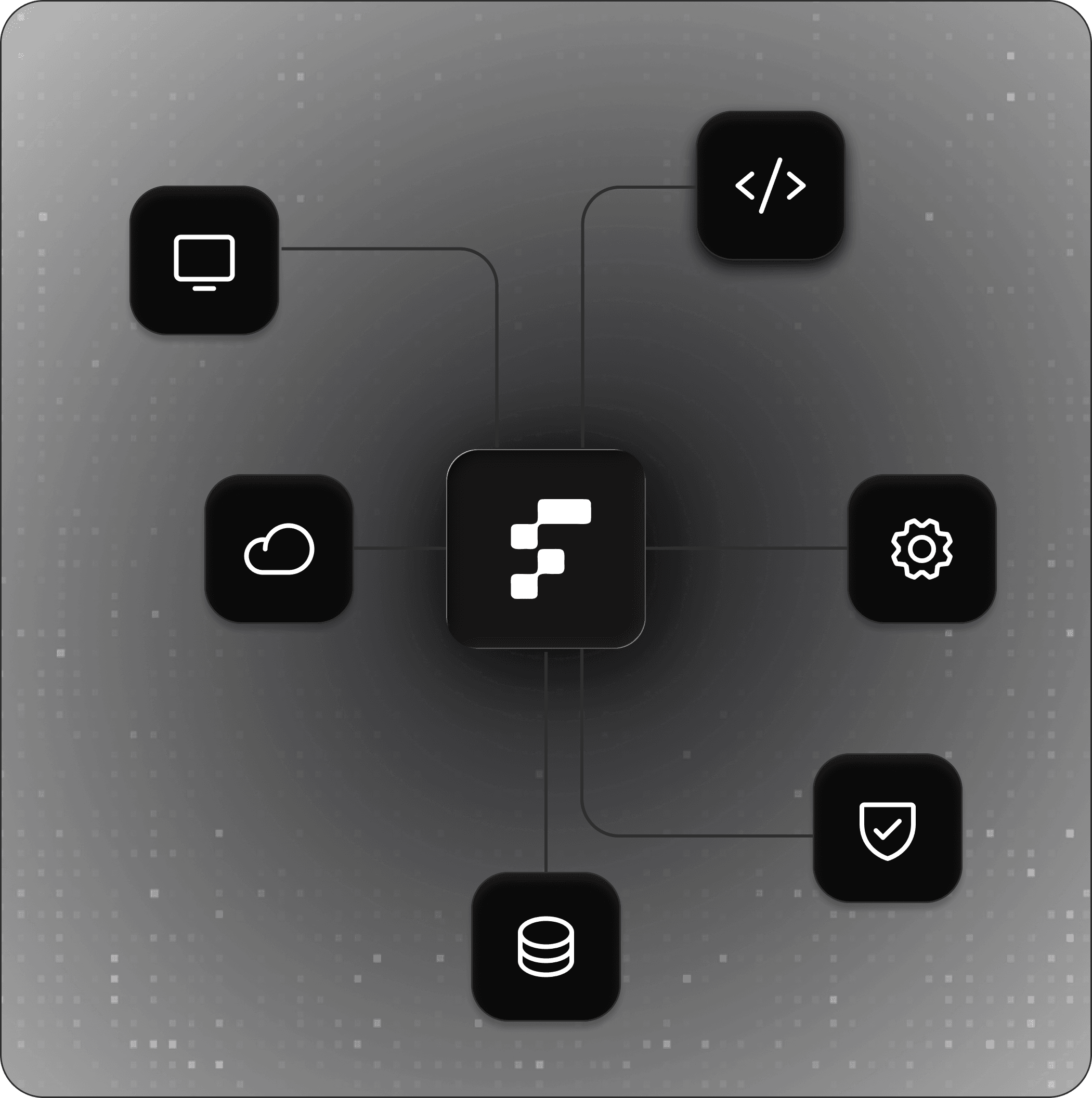
Full stack, included
Frontend, backend, database and auth are built together and wired up, so nothing is left for you to assemble.
Hosting, handled
Every build runs on managed hosting with a live link the moment it is ready. Nothing to configure, nothing to maintain.
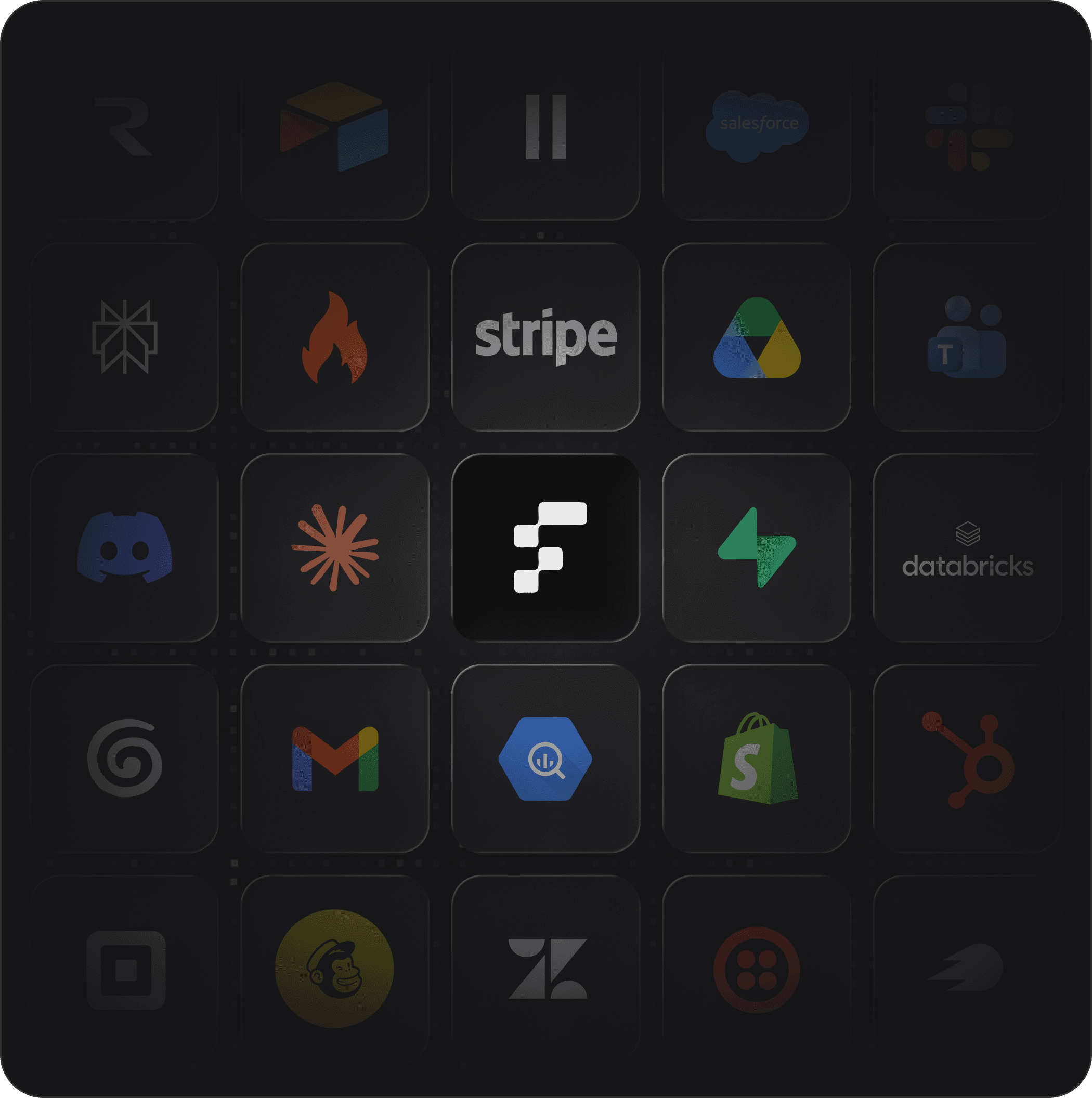
Your stack, connected
Plug in the payments, databases, APIs and AI models you already use, with your own keys and accounts.
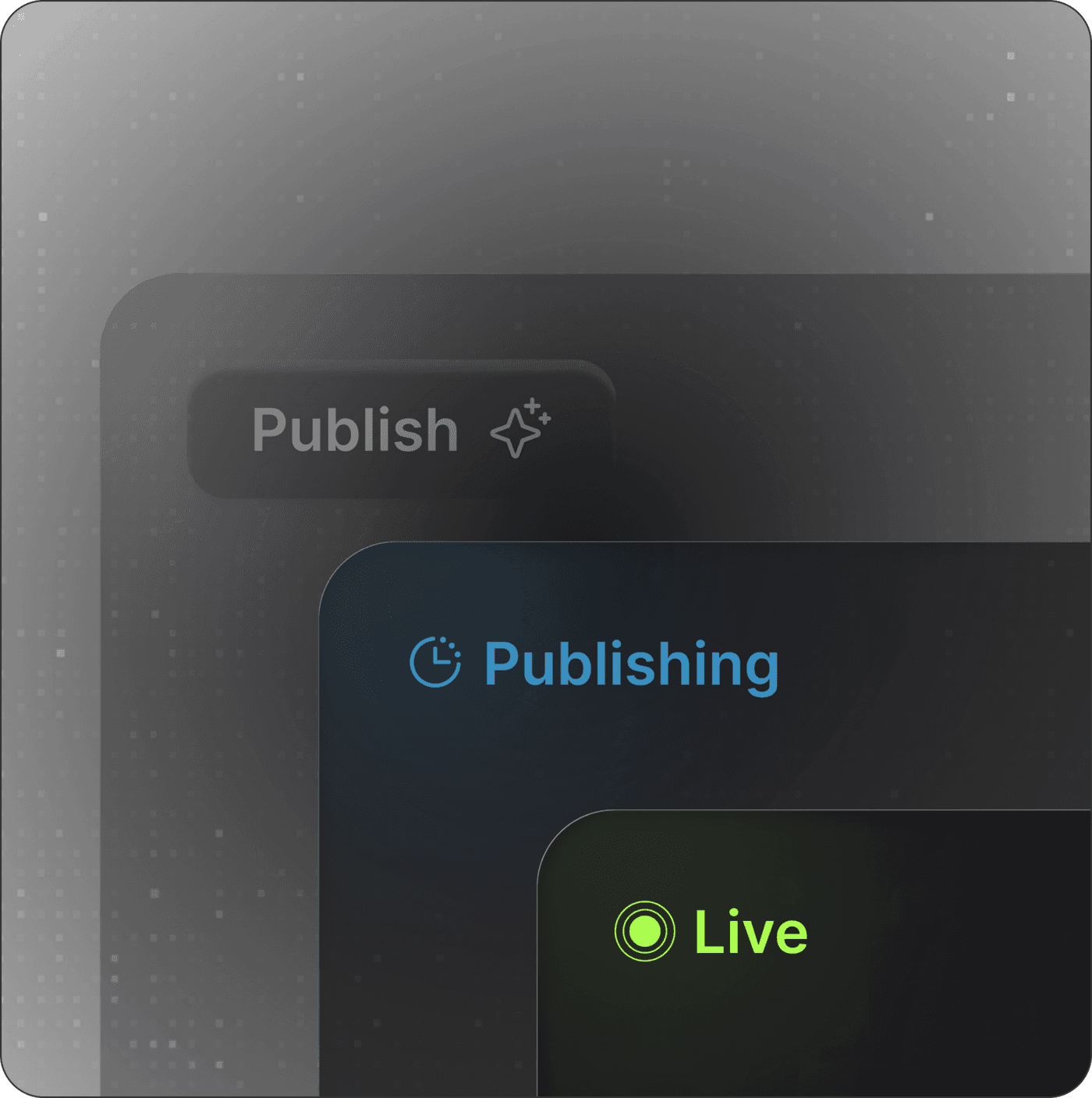
Production, ready
Real code on real infrastructure, with your own domain when you want it. Publish, then keep improving the live product.
Millions count on Firevibe
People across the world are using Firevibe every day to solve problems and seize opportunities. Join them now and turn ‘someday’ into today.
- New projects built every week
- 100 thousand
- Projects built with Firevibe
- 2 million
- Monthly visits to Firevibe-built projects
- 30 million
Pick your package
Choose a plan, then choose how many credits you want each month. The more you take, the less each credit costs.
- 200 credits to start
- No card needed
- 1 project
- 1 collaborator per web app
- Community support
Web apps
- Build with the agent, live preview, share links
- Database, auth & file storage, built-in AI, connectors
Mobile app designs
- AI chat, element editing & AI images
- 2 projects
- Up to 2 collaborators per web app
Everything in Free, plus
- Credit packs that never expire
- Email support
Web apps
- Full source code access
- Publish your web app on firevibe.dev
Mobile app designs
- Interactive prototype mode
- HTML export
- Figma & AI-coder export (Cursor, Claude Code…)
- 5 projects
- Up to 5 collaborators per web app
Everything in Starter, plus
- Priority support
Web apps
- Connect your own custom domain
- View-only collaborators
Mobile app designs
- Ultra model for every screen
- Export to React, SwiftUI, Flutter, Compose, React Native
- MCP & API access for coding agents
- Custom projects and collaborators
- Billed by agreement
Everything in Pro, plus
- Custom credit volume
- A named support contact
Credits refill monthly. Purchased credit packs never expire.
Frequently Asked Questions
Not at all. Firevibe makes building digital products accessible to everyone, whether you're a beginner, designer, or experienced developer.
Web apps, mobile apps, SaaS products, internal tools, marketplaces, dashboards, games and more. Describe the product in plain words and Firevibe builds the whole thing, front to back.
Yes, everything. Tell the AI what to change in chat, or click any element on the live preview and say what you want done to it. On paid plans you can also open the full source code and shape it yourself.
Yes. Every project comes with its backend, database and authentication built and wired together, running on managed hosting with a live link the moment it is ready. There is nothing to configure or maintain.
Yes. Plug in payments, databases, APIs and AI models such as Stripe, Supabase and OpenAI with your own keys and accounts. Your product talks to your services directly.
Yes. Every paid plan publishes your product to a firevibe.dev address, and on Pro you can connect a domain you own with a single DNS record. Then keep improving the live product by describing what you want changed.
Yes. Sign up without a credit card and start with free credits, enough to build your first product and make an edit. Paid plans add more credits, publishing, code access and collaborators.

Generate any product
Build web apps, mobile apps, SaaS, internal tools, marketplaces and more.
Start for free